



Flowsta Vault 1.0: your account now lives on your device
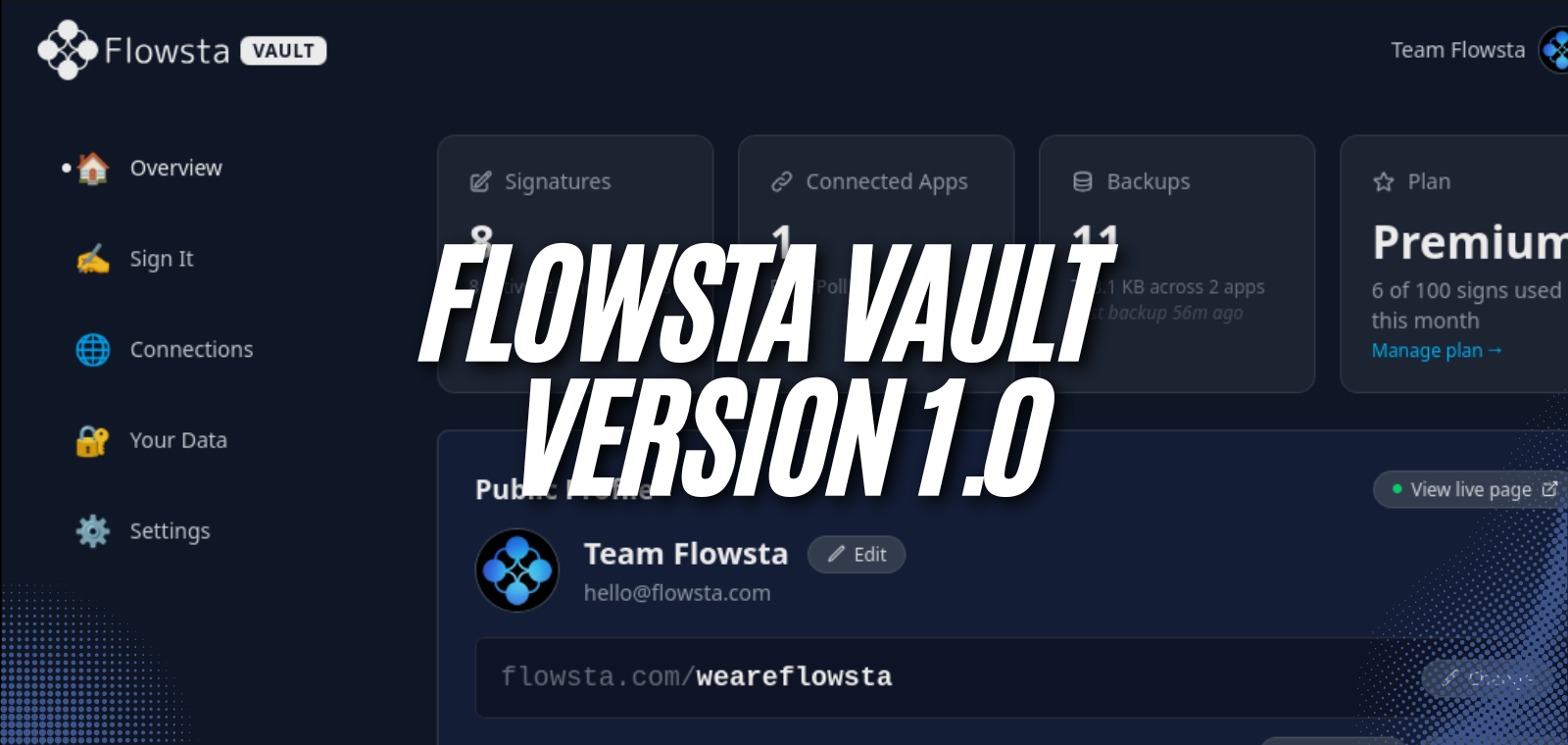
Today we're releasing Flowsta Vault 1.0 - and with it, something we've been building toward from the start: a Flowsta account that is created on your own device and stays there.
Not a copy of your account. Not a cache. The account itself. Your identity is born in the Vault, your keys derive from a 24-word recovery phrase only you hold, and your private data is encrypted on your own computer. There is no password on our servers because signing in with Flowsta doesn't use one - the only password left is the one that unlocks your Vault, and it never leaves your machine.
Person to person. No one in control but you.
What the Vault is
Flowsta Vault is a free desktop app for Linux, Mac and Windows. It's where your Flowsta identity lives: create your account in it, sign in to websites and apps with it, sign your work with it, and see exactly what's stored - because it's all on your machine.
When you create an account, the Vault generates a 24-word recovery phrase and derives your cryptographic keys from it. Those words are the master copy of your identity. Write them down, keep them safe, and no company - including us - can lose, freeze, or take your account away.
It works even when we don't
Here's a paragraph most companies can't write:
If Flowsta's servers went down tomorrow, your identity would still work. Your keys are on your device, so you can keep signing files and proving who you are. Your public records live on a distributed network run by many independent nodes, so they're still there to be found. And if you lose your computer, your recovery phrase rebuilds your identity on a new one - confirmed by the community network, not by us.
We built Flowsta to be structurally incapable of holding your identity hostage. That's not a policy promise; it's how the architecture works.
Signing in, without passwords
Signing in with Flowsta now happens through your Vault. When a website asks who you are, the request appears on your device and you approve it there. No password is typed, stored, or sent - which means there's no password to phish, leak, or reuse.
The practical bit: you'll need the Vault installed to sign in with Flowsta. If you're on a machine without it, the sign-in page will point you to the download - it takes a couple of minutes, and your account comes with you.
Already have a Flowsta account?
Your existing account upgrades in place the first time you sign in inside the Vault. Bring whichever credential you have:
Your email and password - sign in the way you always have (including your 2FA code if you use one), and the Vault takes it from there. If you already set up a recovery phrase on flowsta.com you can keep it; if not - or if you'd rather start fresh - the Vault creates a new one for you, on your device.
Your recovery phrase - if you have your 24 words, they're all you need. No password, no email. The phrase you bring stays the key to your account.
Either way, the upgrade takes a few minutes and brings everything with it: your username, your public profile, your signatures, and your records, exactly as they are. When it finishes, your account lives on your device, your recovery phrase is the key to it - write it down if you haven't - and your old account password is retired for good.
Sign It, from your file manager
Sign It is built into the Vault. Drag files in - or right-click any file on your computer and choose "Sign with Flowsta Vault" - and publish permanent, verifiable proof of your authorship. Declare your license, state whether AI companies may train on your work, and stay open to licensing inquiries without exposing your email. Files up to 10 GB, signed locally; your work never leaves your device, only its fingerprint does.
Every signature is stored on Flowsta's tamper-proof network, built on Holochain. Anyone can verify one at flowsta.com/sign-it/ - no account needed.
Free, open source, and verifiable
The Vault holds your keys, so you shouldn't have to take our word for what it does. The code is open source - read it, build it yourself, or verify your download against the published checksums. Installers for Linux, Mac and Windows are on flowsta.com/vault/, and only there and on our GitHub releases - the Vault is where your recovery phrase lives, so never install it from anywhere else.
Get started
Download the Vault at flowsta.com/vault/, create your free account in a few minutes, and your digital identity is yours - on your device, under your control, working with or without us.
That's what Version 1 means to us: not a feature milestone, but a line crossed. From today, there's no one between you and your own identity.